Short answer: For a challenge, play Monster Trials 3D (physics monster truck stunts) or Neon Slope 3D (a high-speed ball runner). For action, try Crypt Crawler. For driving, City Rush. For a relaxed game, Sky Obby or Bowling Alley. All of them are free on MiniGames Park, run in any modern browser on phone or computer, and start in seconds with no download, plug-in or account.
Browser games used to mean simple 2D puzzles. Not any more. Every modern browser can now draw real-time 3D graphics, so you can play a physics driving game or a dungeon brawler from a link, with no app store or install. Here are the best free 3D games on MiniGames Park, grouped by what you are in the mood for. We make them all ourselves.
The most demanding: for when you want a challenge
1. Monster Trials 3D
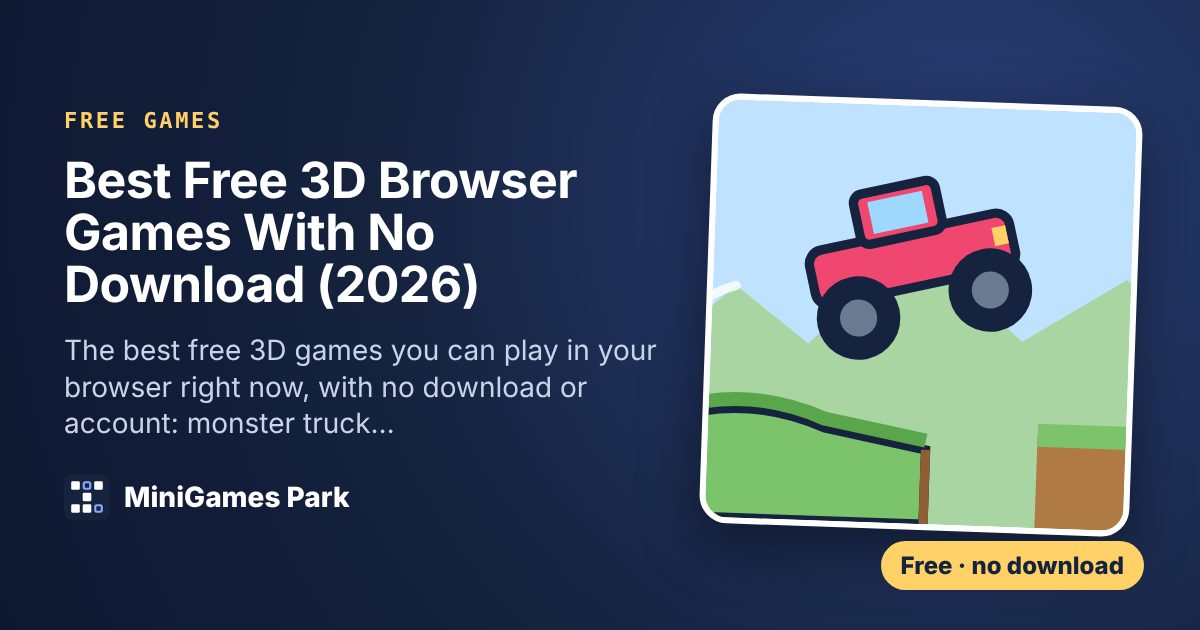
Our newest and hardest game. Monster Trials 3D puts you in a monster truck with real suspension physics: each wheel has its own spring, so the truck bounces, tips and grips like an off-roader. Ten courses mix hills, steep climbs, valleys, rock steps and ramps over gaps. Hold Gas to drive and Brake to slow down. In the air, Gas and Brake tilt the truck so you can flip it and land on your wheels. Each landed flip takes a second off your time, which matters for three stars.
2. Neon Slope 3D
Neon Slope 3D is pure reflexes. A ball rolls down an endless neon track and all you do is steer. The track narrows and drifts, red blocks and holes appear more often, and the speed climbs past 120 km/h. Yellow ramps launch you over gaps that cross the whole track. One run takes a minute or two, which is exactly why you will play twenty.
Action and adventure
3. Crypt Crawler
Crypt Crawler is a 3D dungeon brawler. Fight room by room through a skeleton crypt with sword combos and dodge rolls, and pick a relic from every chest to power up your run.
4. Zombie Yard 3D
Survive the horde in Zombie Yard 3D. Your crossbow fires automatically, so you focus on moving, dodging and choosing upgrades.
5. Bone Siege
Bone Siege is an idle castle defense against a skeleton army. Upgrade your heroes, cast meteors and come back later to collect what they earned while you were away.
Driving
6. City Rush
Pick up passengers and race the meter through a toy town in City Rush, our 3D taxi game. Drift and boost round corners for bigger tips.
7. Drift Parking
Drift Parking is a precision test: steer through a busy car park into the glowing bay without a scratch.
Relaxed and quick
8. Sky Obby
Sky Obby is an endless obstacle course in the clouds, with moving platforms, spinners, crumbling tiles and checkpoints that save. It is the easiest of our 3D games to pick up.
9. Lane Dash
Switch lanes, jump benches and slide under banners in Lane Dash, an endless runner through a park.
10. Tower Stack 3D
Tap to drop sliding blocks and build the tallest tower you can in Tower Stack 3D. Any overhang is sliced off, but perfect drops win back width.
Sports
11. Spot Kick 3D
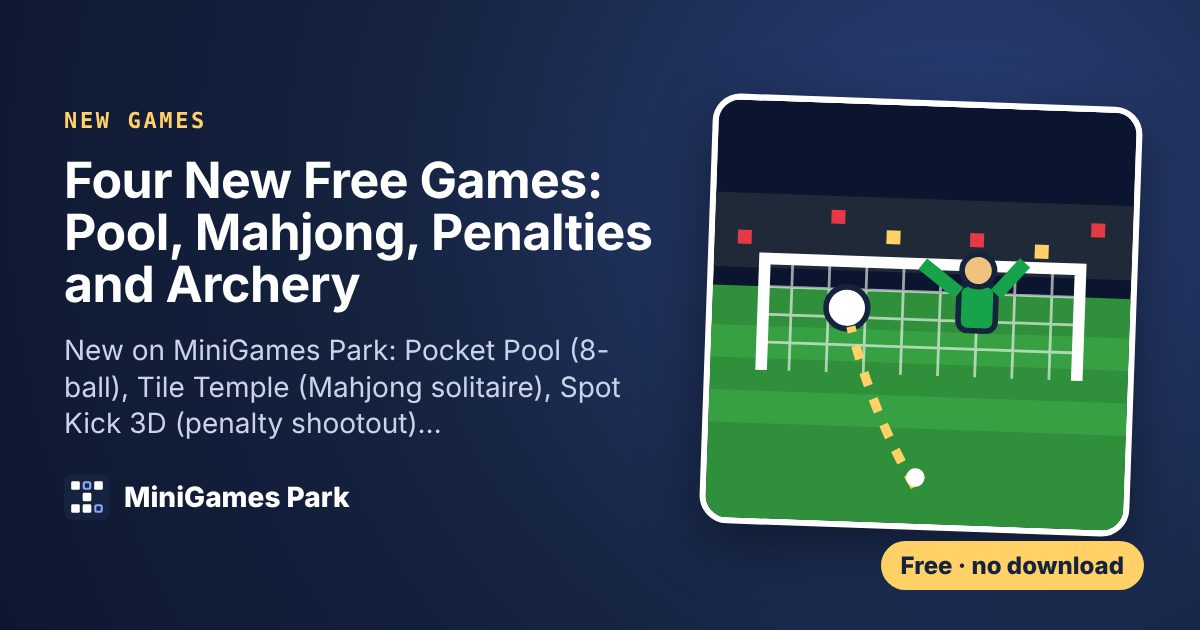
Swipe to curl penalties past the keeper, then dive to save the computer's kicks in Spot Kick 3D.
12. Bullseye Archery and Bowling Alley
Hit the gold in the wind in Bullseye Archery, or go for a perfect 300 in Bowling Alley.
See every one on our free 3D games page.
How do 3D games run in a browser?
Our 3D games use WebGL, a graphics standard built into every modern browser that lets a web page use your device's graphics chip directly. That is the same technology behind 3D maps and product viewers. Nothing gets installed: the game's code and models download like any web page, usually in a few seconds, and your browser caches them for next time.
The next generation is WebGPU, which Google's web.dev team announced in November 2025 is now supported in Chrome, Edge, Firefox and Safari. It gives browser games even closer access to the graphics chip, so expect more ambitious web games over the next few years.
Tips for smooth 3D play on a phone
Phones are now where most browser gaming happens: one browser games site reported that mobile passed 55% of its total play time in spring 2026. A few habits make 3D games run better on them.
- Close other tabs and apps to free up memory and graphics power.
- Use full screen (the button above each game) to hide the browser bars and get a bigger view.
- Let the game adjust itself. Our games lower their resolution automatically if your device struggles, then stay at that setting next time.
- Keep your browser updated. Chrome, Safari, Edge and Firefox all improve graphics performance with each version.
- If a game will not start, WebGL may be switched off. It is on by default, so try another browser or turn off any extension that blocks it.
Prefer 2D or puzzles?
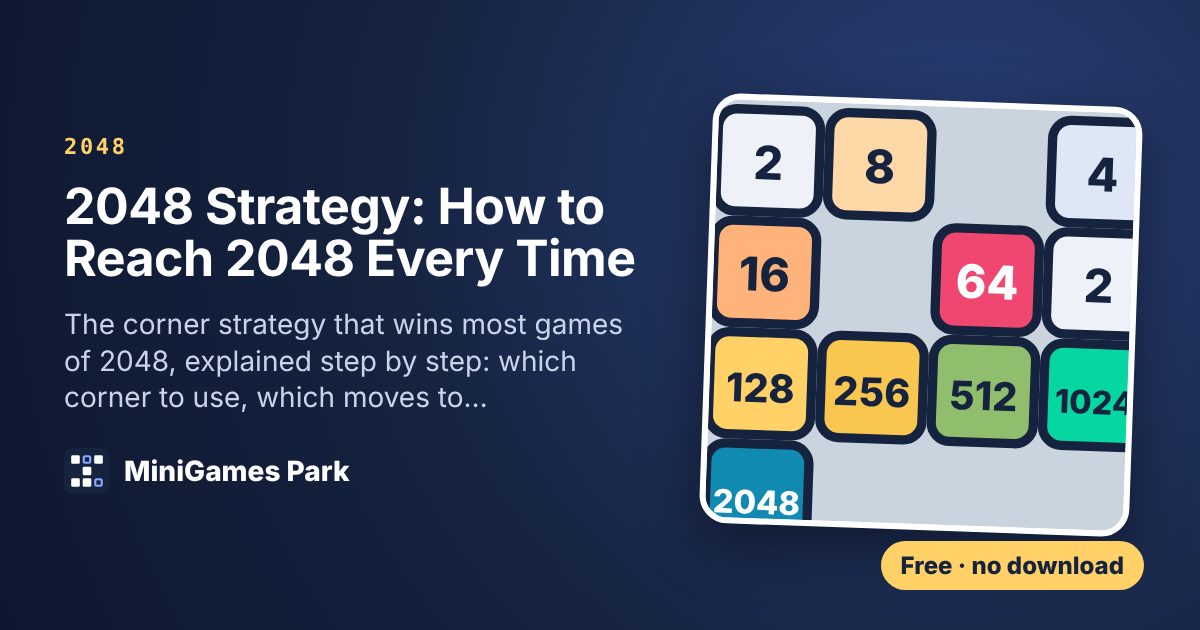
We have plenty of those too: 2048 (with our 2048 strategy guide), Sudoku with a daily puzzle, Sweet Swap and Solitaire. Waiting for a big console release? Here are 12 free games to play while you wait for GTA 6.
Questions
Can you play 3D games in a browser without downloading?
Yes. Modern browsers support WebGL, which runs 3D graphics directly in a web page. Every game in this list starts from its page with no download or install.
What is the best free 3D browser game?
It depends on what you like. Monster Trials 3D is the most demanding, Crypt Crawler has the most action, Neon Slope 3D is the best quick reflex game and Sky Obby is the easiest to pick up.
Do 3D browser games work on iPhone and Android?
Yes. Our 3D games are built for touch screens and run in Safari and Chrome on most phones from the last six years. They lower their resolution automatically on slower devices.
Are free browser games safe?
Games that run on a website without asking you to download anything are generally safe, because the browser keeps them in a sandbox. Be wary of any site that asks you to install software or an extension to play.
Do I need a gaming PC for 3D browser games?
No. These games are designed to run on ordinary laptops, Chromebooks, tablets and phones.